 Abotts partners with NYPL to integrate with their partner libraries.
 Upworks Inc partners with ABOTTS to build their Oracle Cloud Infrastructure (OCI).
 Abotts Inc Partners with Gnorth consulting to deploy exadata and ODA.
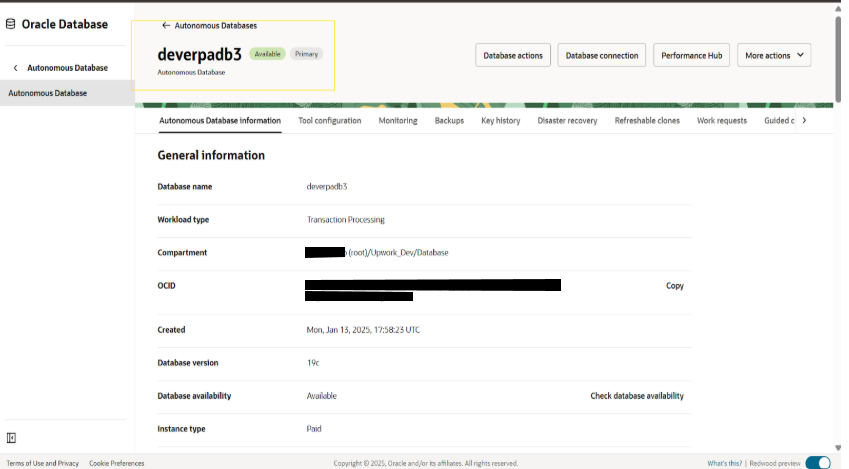
Details of derverpadb3
Navigating the Dev compartment to obtain the cloning requirements’ specifics
(root) -> dev -> Database
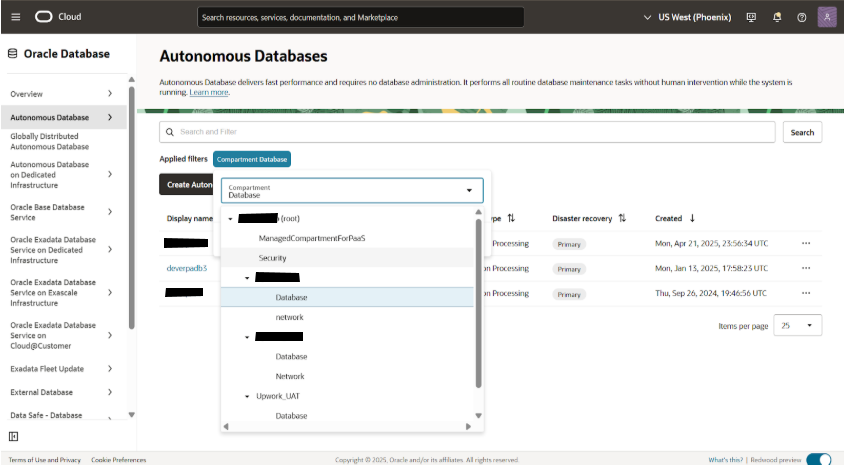
To obtain the clone details, select the database sub-compartment inside the dev compartment and open the Deveradb3 ADB.
Information gathering, including private endpoint ip, private endpoint url, subnet, and VCN.
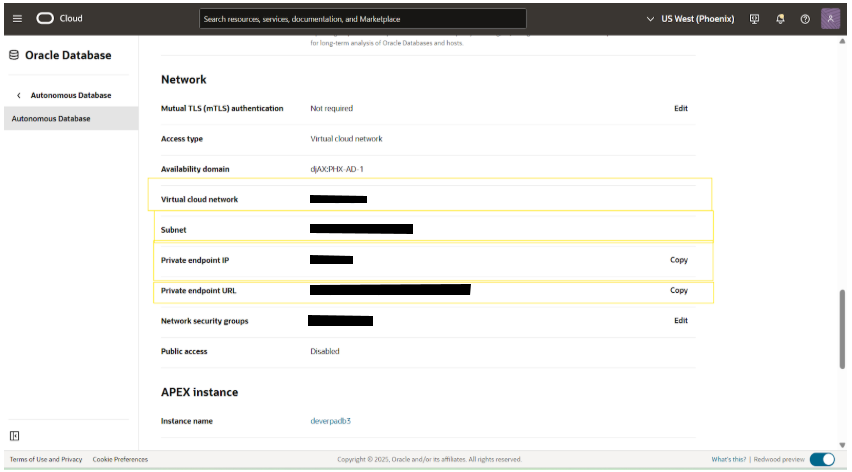 Once the above details are noted down, stop and terminate the DEV3 DB.
Clone Creation Setup
Navigating the Prod compartment to create the clone ADB
(root) -> prod -> Database
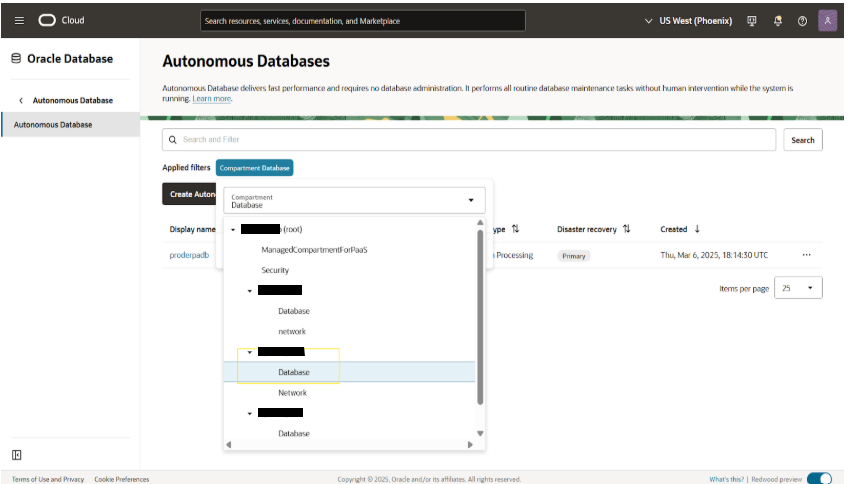
Opening proderadb ADB to clone
Navigate: (root) -> prod -> Database -> proderpadb -> More action -> Create Clone
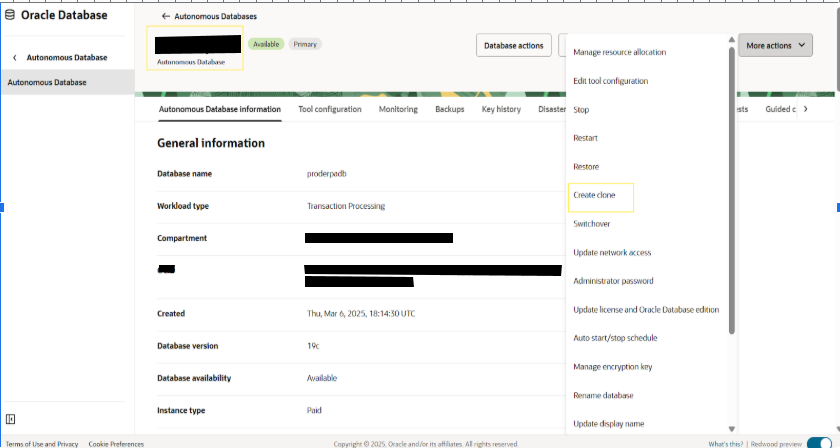
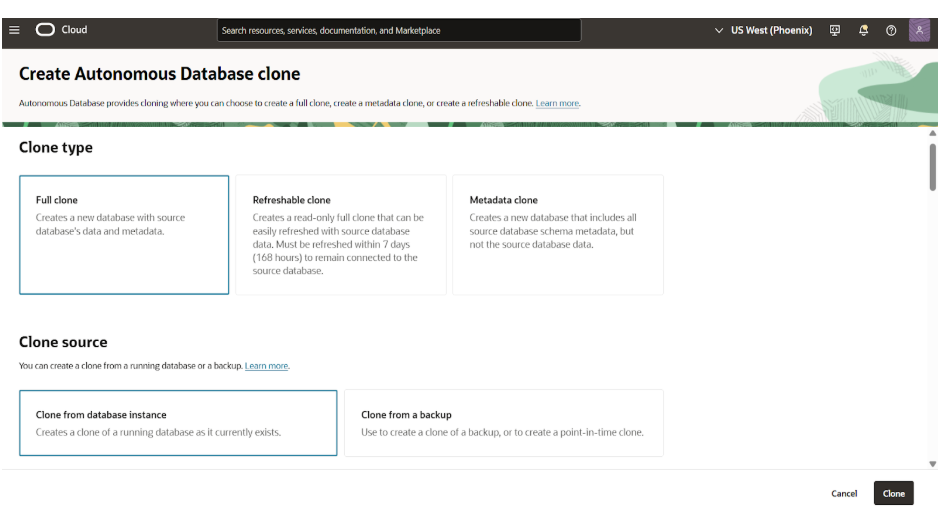
Choosing the clone type and clone source
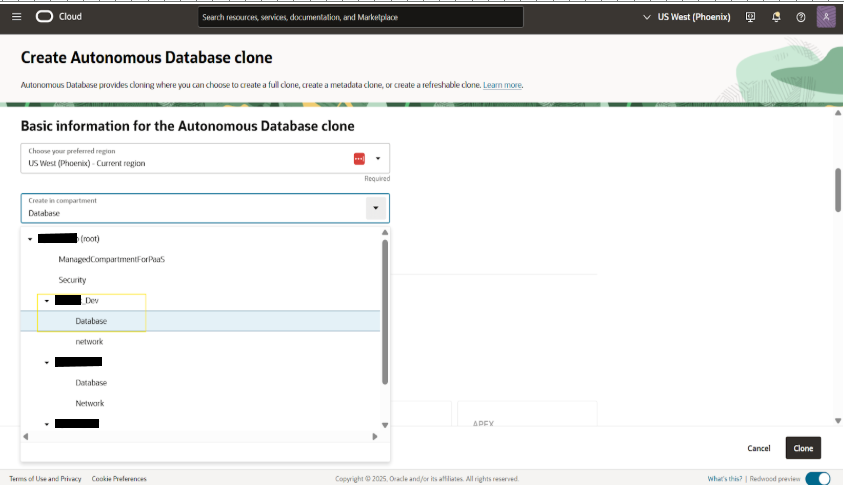
 Choosing the compartment to clone ADB
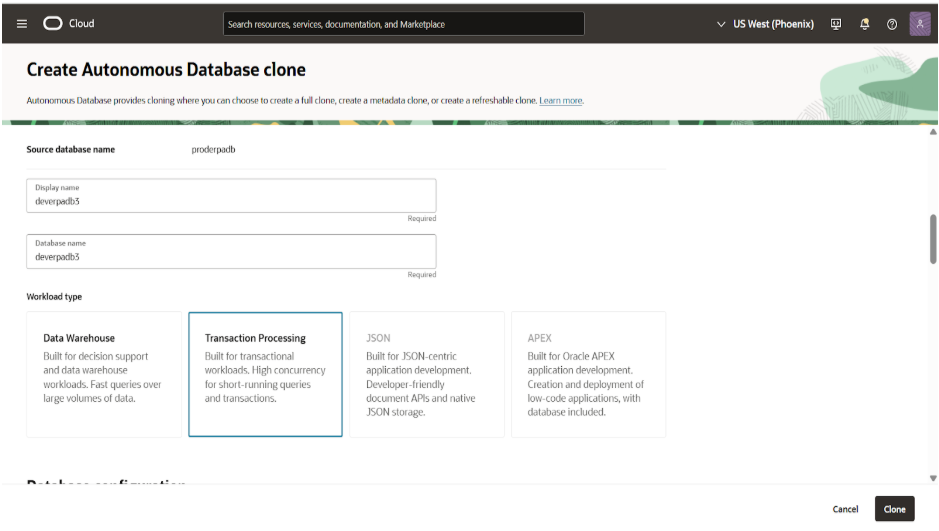
Giving the display name, database name and choosing workload type
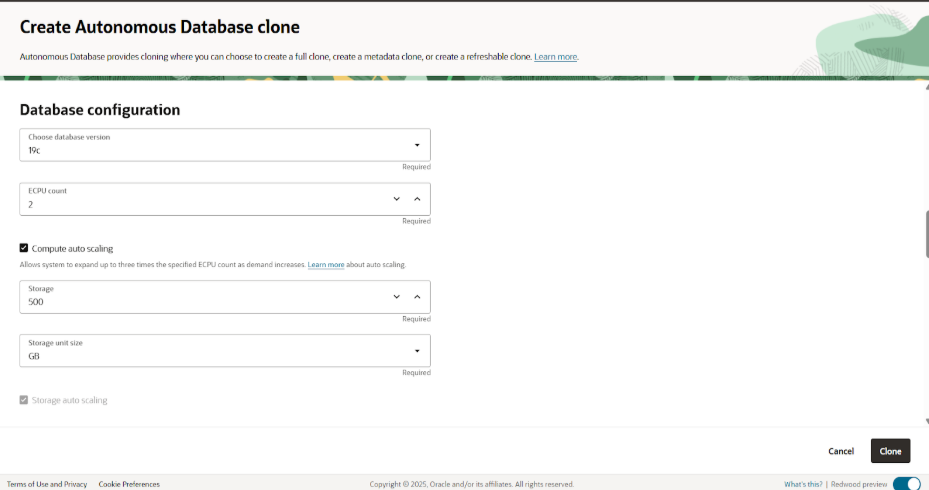
 Configuring the ADB details like version of DB, ECPU count, and storage size
Choosing db backup retention period
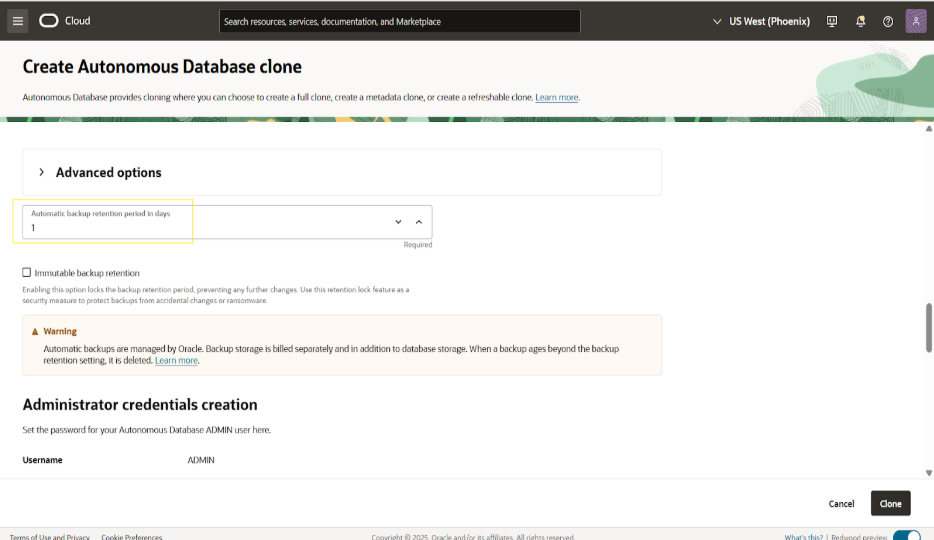
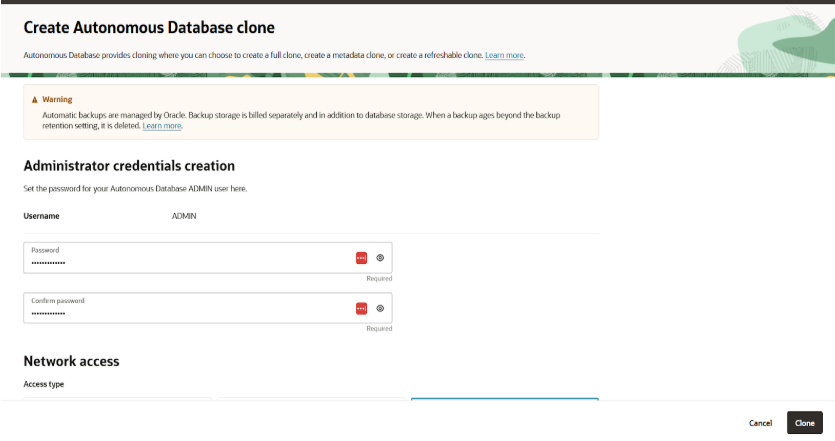
Setting the Admin password for ADB
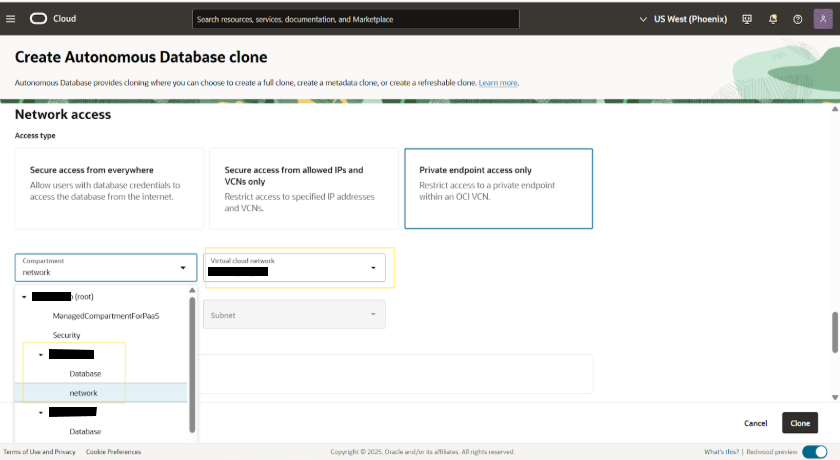
 Proving the path of VCN for clone db and access type
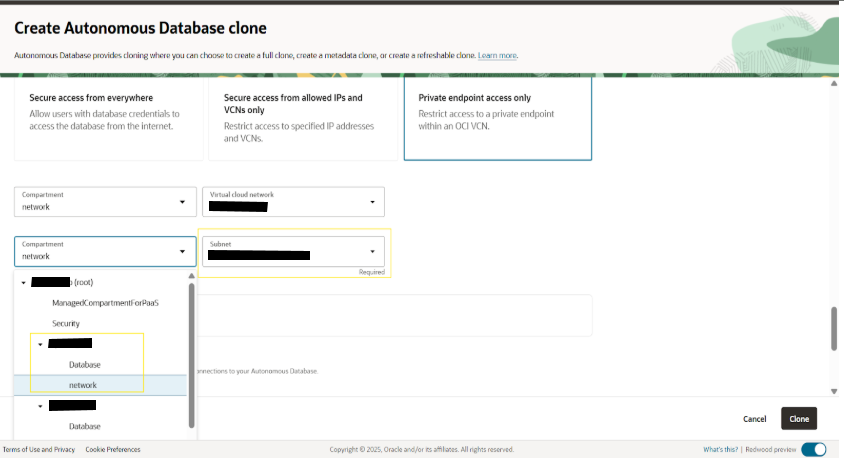
Choosing the subnet for clone db
Giving the private IP address and hostname and choosing the NSG
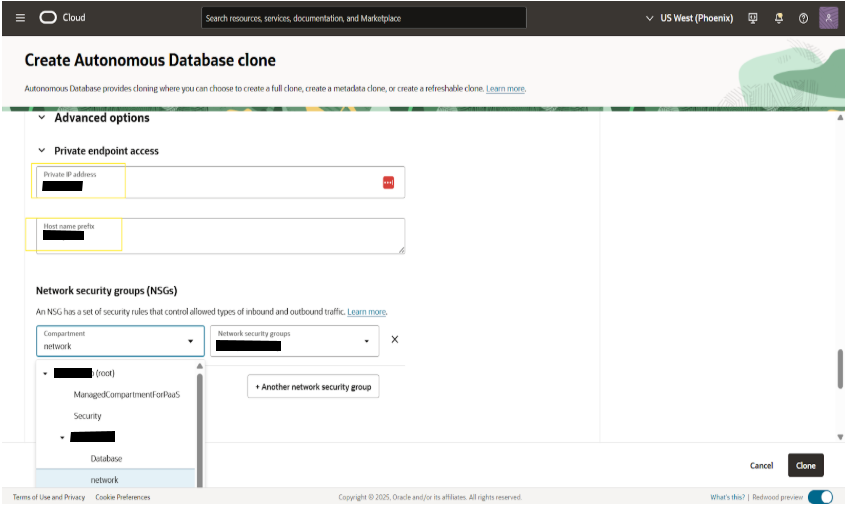
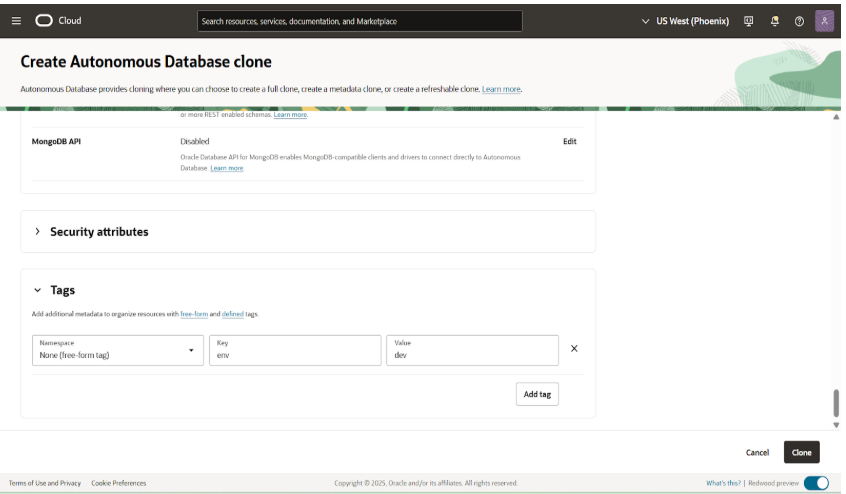
Click clone option create clone adb in dev->database compartment
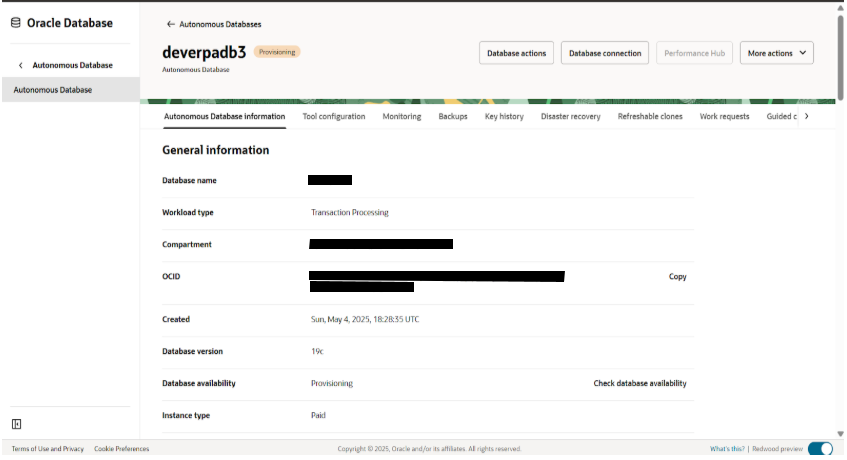
The new clone DB still in provisioning state
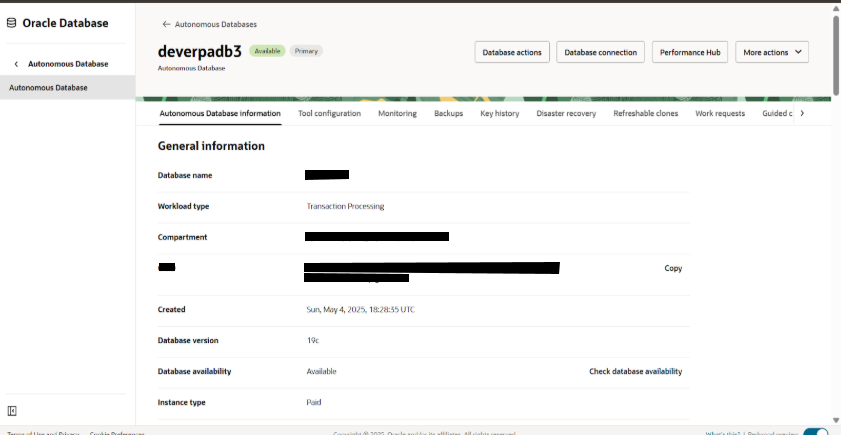
Deverpadb3 is now in available state
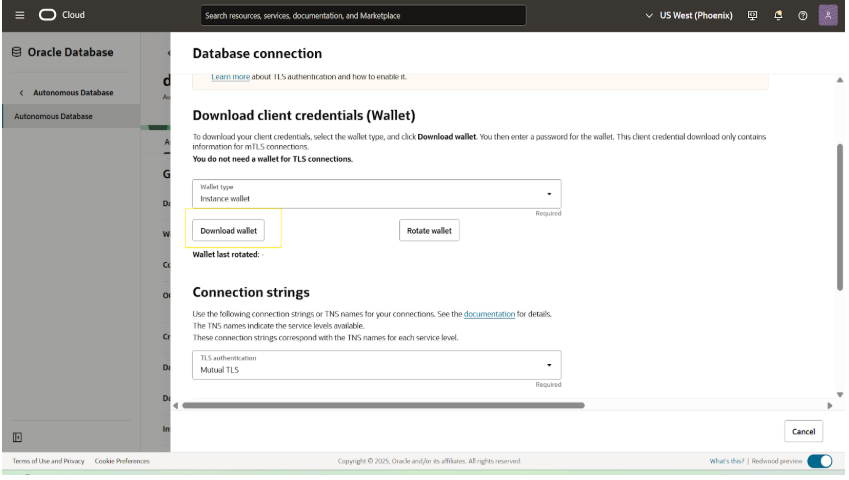
Downloading cloud wallet
deverpadb3 -> Database connection -> Download wallet
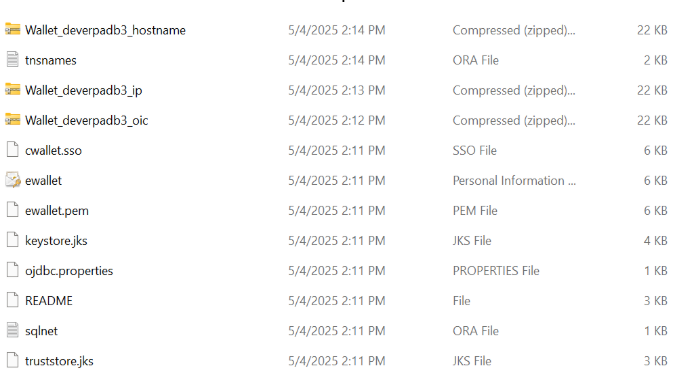
Details inside the cloud wallet of deverpadb3 and upload the latest wallet file to LastPass
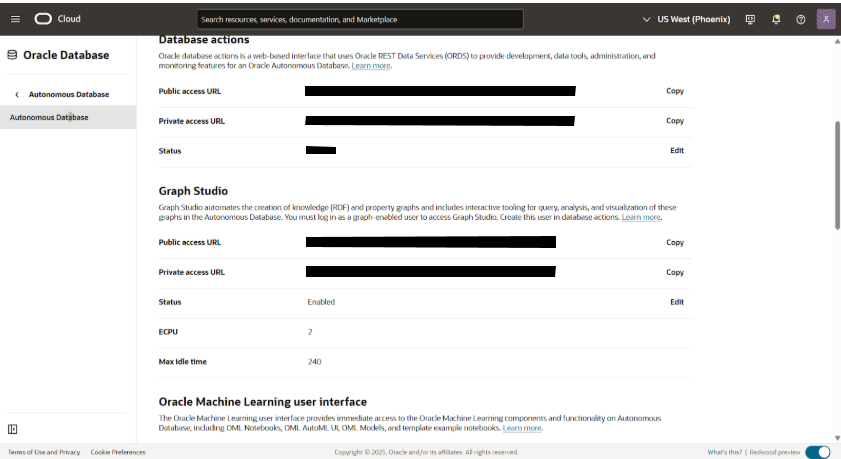
Details of devdb
Store the DEV password in lastpass
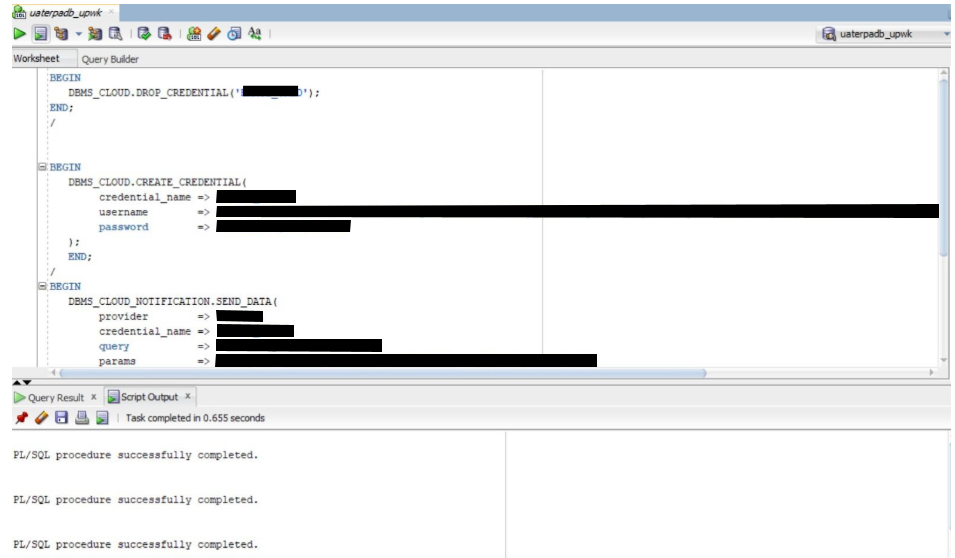
Please create the DB link and login credentials as shown below.